
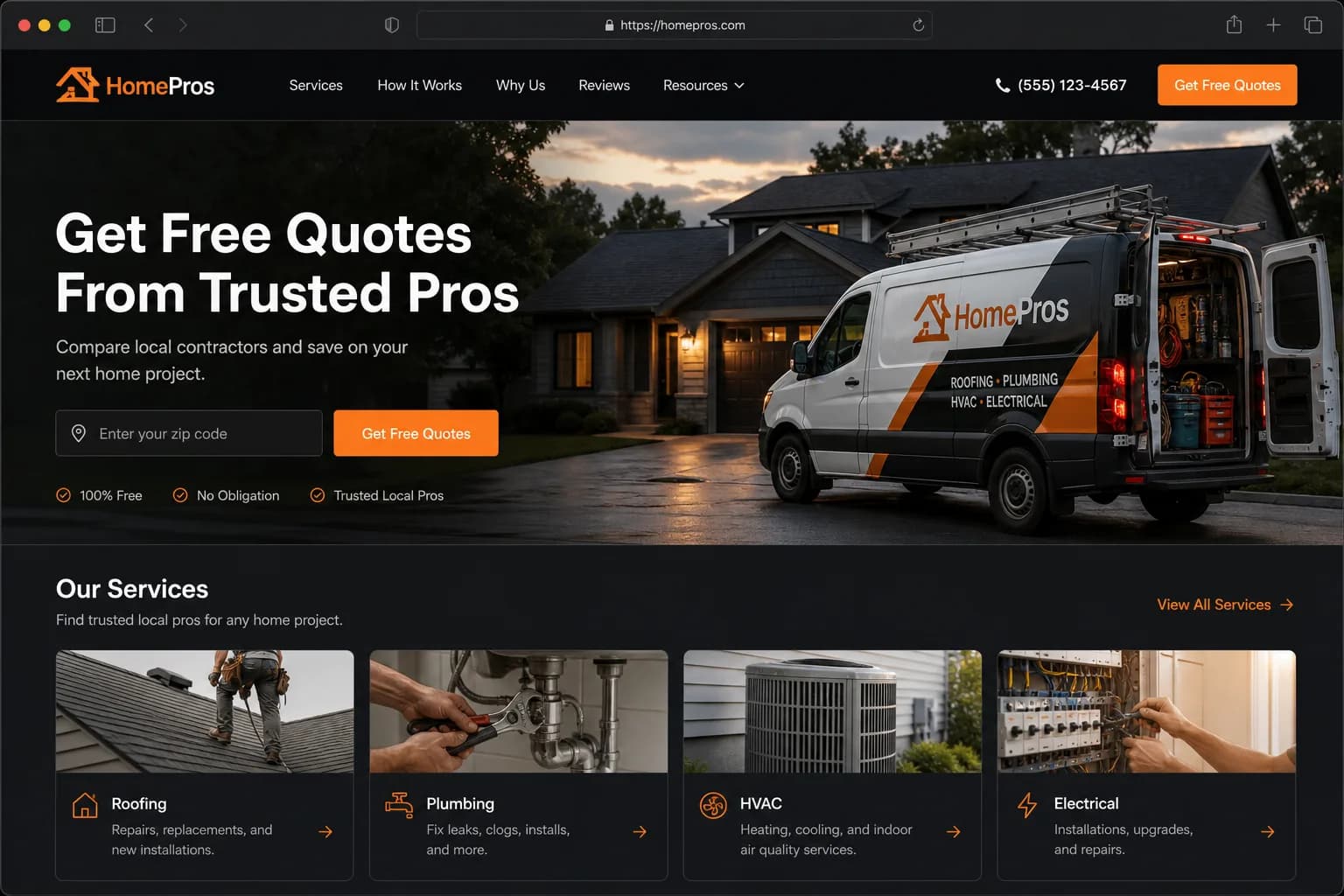
Clear above-the-fold offer
Strong headline, short proof, and an obvious way to enquire.
Capabilities
Strong headline, short proof, and an obvious way to enquire.
Photos and sections that match the trade — not generic stock noise.
A contact form or call-to-action that makes the next step obvious.
Browse demos close to your niche, then regenerate with your details.
How it works
Step
Open the homepage industry gallery or full demo links.
Step
Note layout and tone you like — not copy that isn’t yours.
Step
Run the HaWa generator with your business name and services.
Step
Correct facts, swap photos, then publish when ready.
Use cases
Compare a few AI-generated website examples before committing time.
Show a live demo instead of describing “what AI can do.”
Approve a one-page direction before a larger multi-page build.
Live
Homepage demo gallery
Free
To generate your own
TODO: real testimonial
“The industry demos made it obvious whether HaWa fit our trade.”
FAQ
Yes. Gallery items come from generated demos on the platform. Always verify your own facts before publishing a site based on a demo.
Examples are starting points. Generate a new site with your business details and edit anything that isn’t accurate.
The current public gallery lives on the homepage industry section. TODO: expand this route into a dedicated filterable gallery when product prioritizes it.