
One place for site enquiries
Stop hunting through personal email alone for who contacted you.
How it works in HaWa
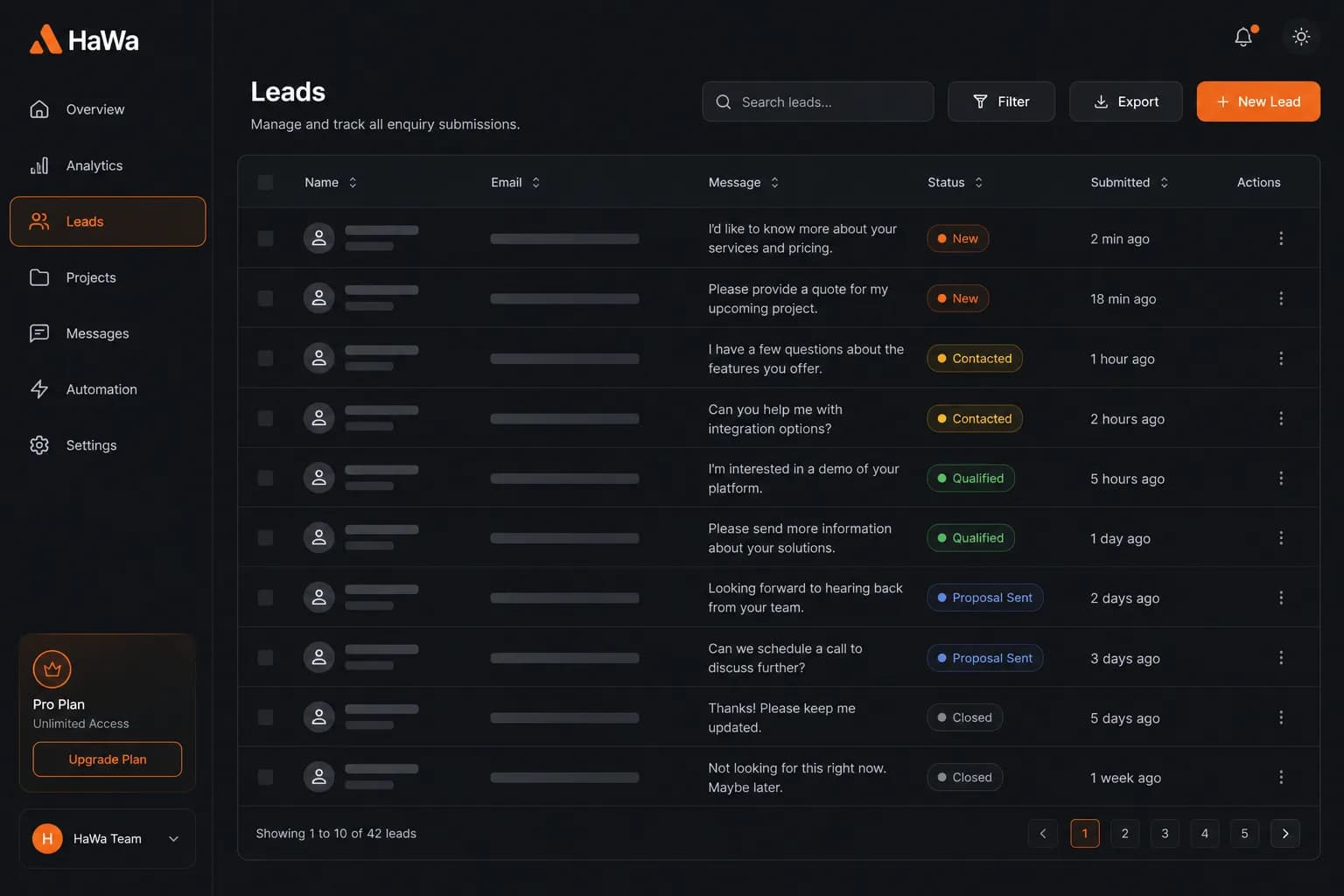
The public form posts to HaWa with consent. Each submission is stored as a ContactForm row tied to the site/project.
Signed-in owners of that site see name, email, phone, message, and timestamp. The list is newest-first.
The leads API returns up to 100 recent submissions for the owned site. There is no real-time push inbox — refresh when you need updates.
With Resend configured, owners (and routed admins) can get email copies of new contacts. Email is complementary to the dashboard list.
Outcomes
Stop hunting through personal email alone for who contacted you.
Leads come from the same bridge that powers HaWa contact forms.
Only authenticated owners of the site can load that site’s leads.
Newest 100 submissions keep the panel fast and focused.
Questions
No. HaWa shows a chronological list of form submissions. There are no pipelines, tags, notes, bulk CSV export, or CRM sync in this panel.
The dashboard leads endpoint returns the latest 100 submissions for that site.
Not as a native push product. You can refresh the panel and optionally receive email via Resend when configured.
Authenticated owners of the site (dashboard auth). Other accounts cannot list another user’s site leads.