
Correct facts before go-live
Phone numbers, service areas, and offers stay under your control.
How it works in HaWa
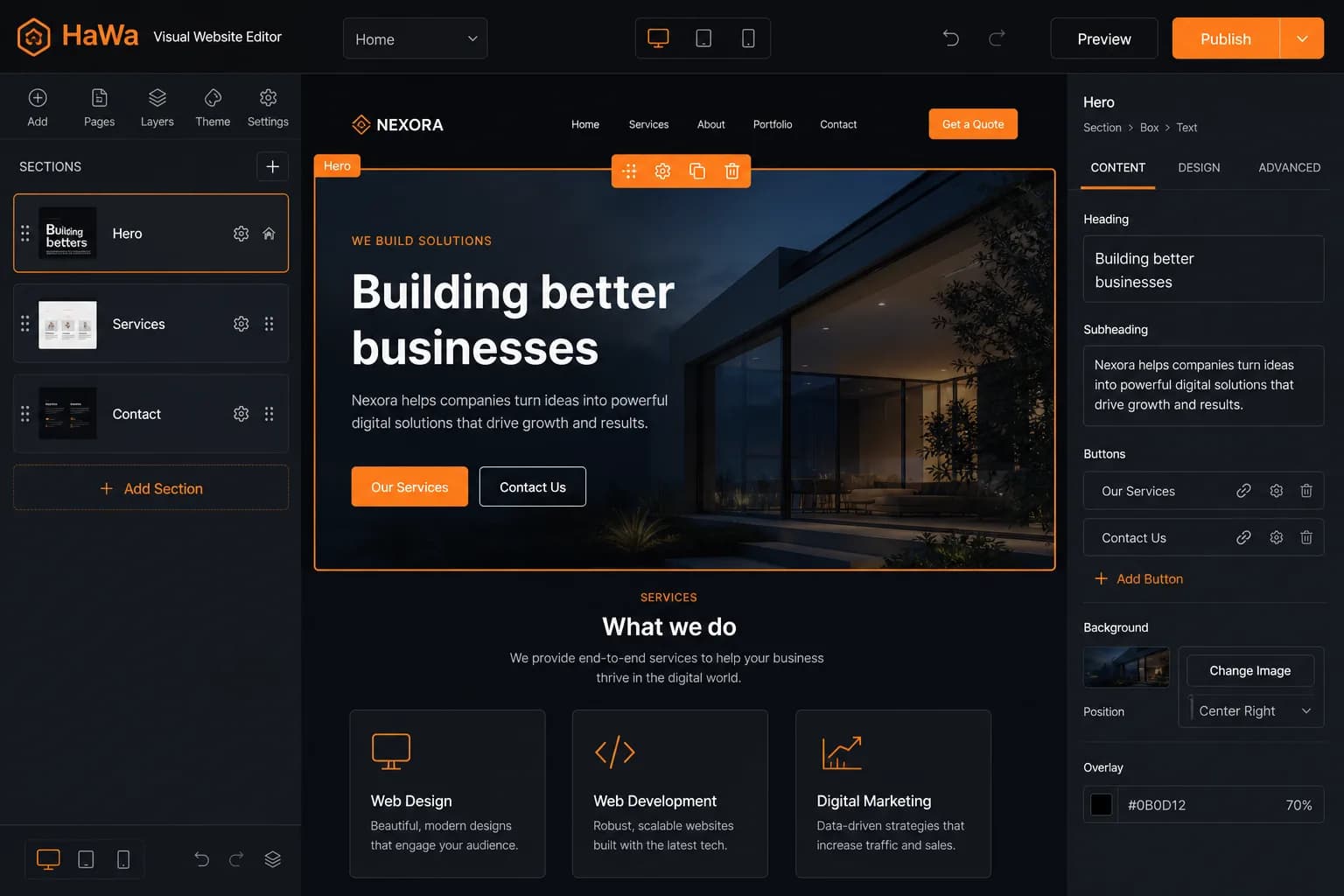
After you take a demo into the dashboard, Site Editor shows preview plus tabs for sections, fonts, logo, form, leads, analytics, and billing/domain.
Preview highlights editable text/image slots. Selecting one focuses the matching field in the section panel — not freeform drag-resize layout editing.
Adjust section order, remove sections, upload a logo, and change fonts/typography controls available in the editor.
Rewrite a section or generate a new one from a prompt via the section AI APIs. Usage counts against a monthly per-site quota (defaults: 3 free / 10 Premium). Changes autosave to your site content.
Outcomes
Phone numbers, service areas, and offers stay under your control.
Replace photos via upload or stock search on image slots.
Prompt a section rewrite or add a section — within your monthly AI quota.
Check desktop, tablet, and mobile layouts before publishing.
Questions
No. Editing is section- and slot-based (text, images, order, fonts/logo) plus optional AI section HTML — not a freeform Webflow-style canvas.
By default, 3 AI section operations per month on Free and 10 on Premium, per site. Admins can override quotas. Initial demo generation does not consume this quota.
Yes. The dashboard syncs baked site HTML to the server as you work.
Free public previews often require a preview password. Premium can remove that gate depending on plan configuration.